Appearance
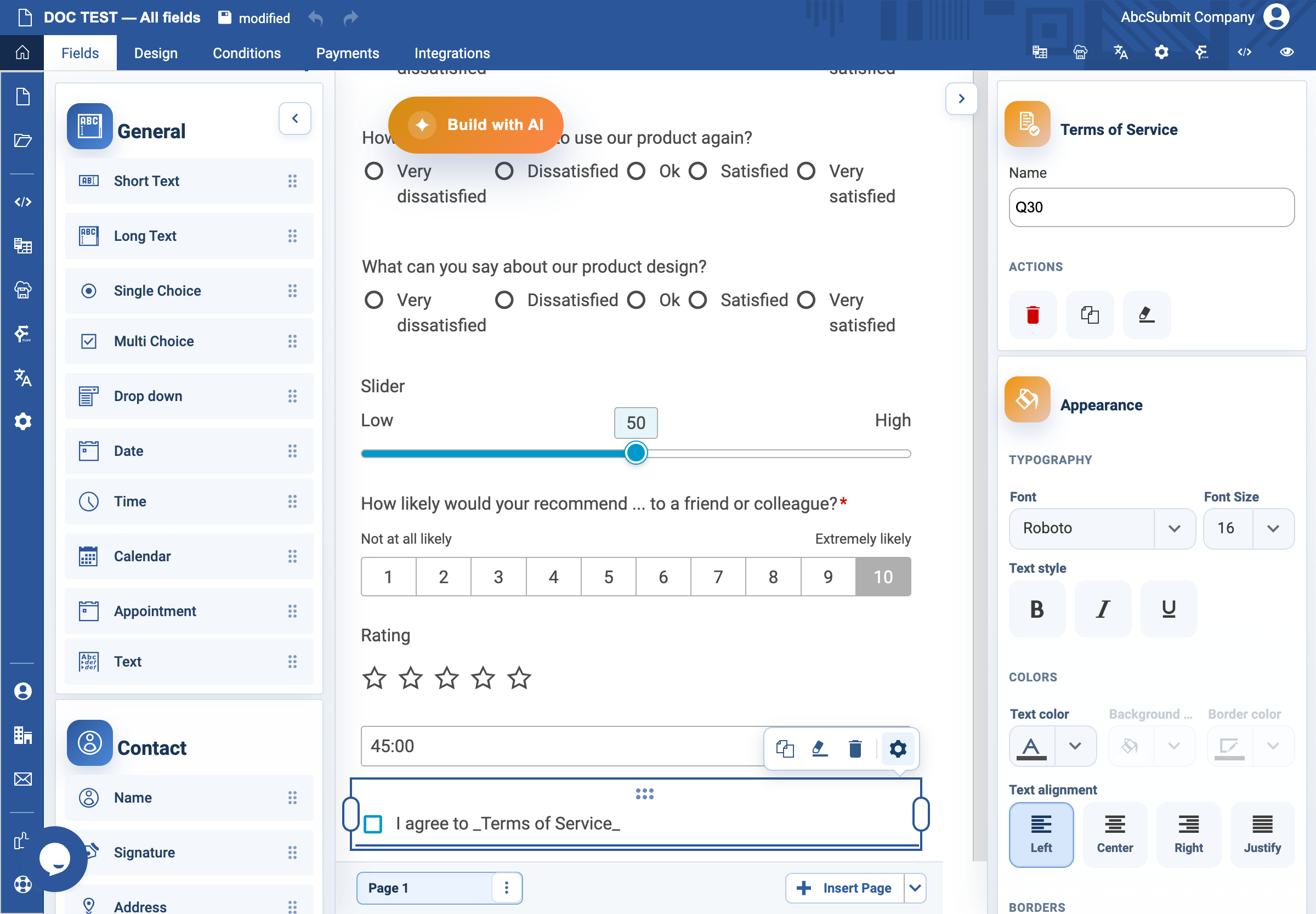
Terms of Service field
Use Terms of Service when a respondent must actively agree to approved terms or a policy.
Example: required privacy-notice acknowledgement
- Select Fields > Other > Terms of Service.
- Set clear agreement text, such as
I have read the Privacy Notice. - In Link action, choose a hosted URL for a maintained policy, or a popup for short, stable approved text.
- For a URL, enter the approved HTTP or HTTPS Link address and choose a Link frame. Use a blank/new frame when the respondent should retain the form.
- For a popup, select Edit popup text and paste the complete approved copy.
- Turn on Required Field only when agreement is required to submit.
- Preview: open the terms, return to the form, submit without agreeing, then agree and submit.
Expected result
The respondent can read the actual terms and the form records an affirmative agreement when required. Do not use this general field in place of a distinct consent that needs its own explanation.