Appearance
Product field
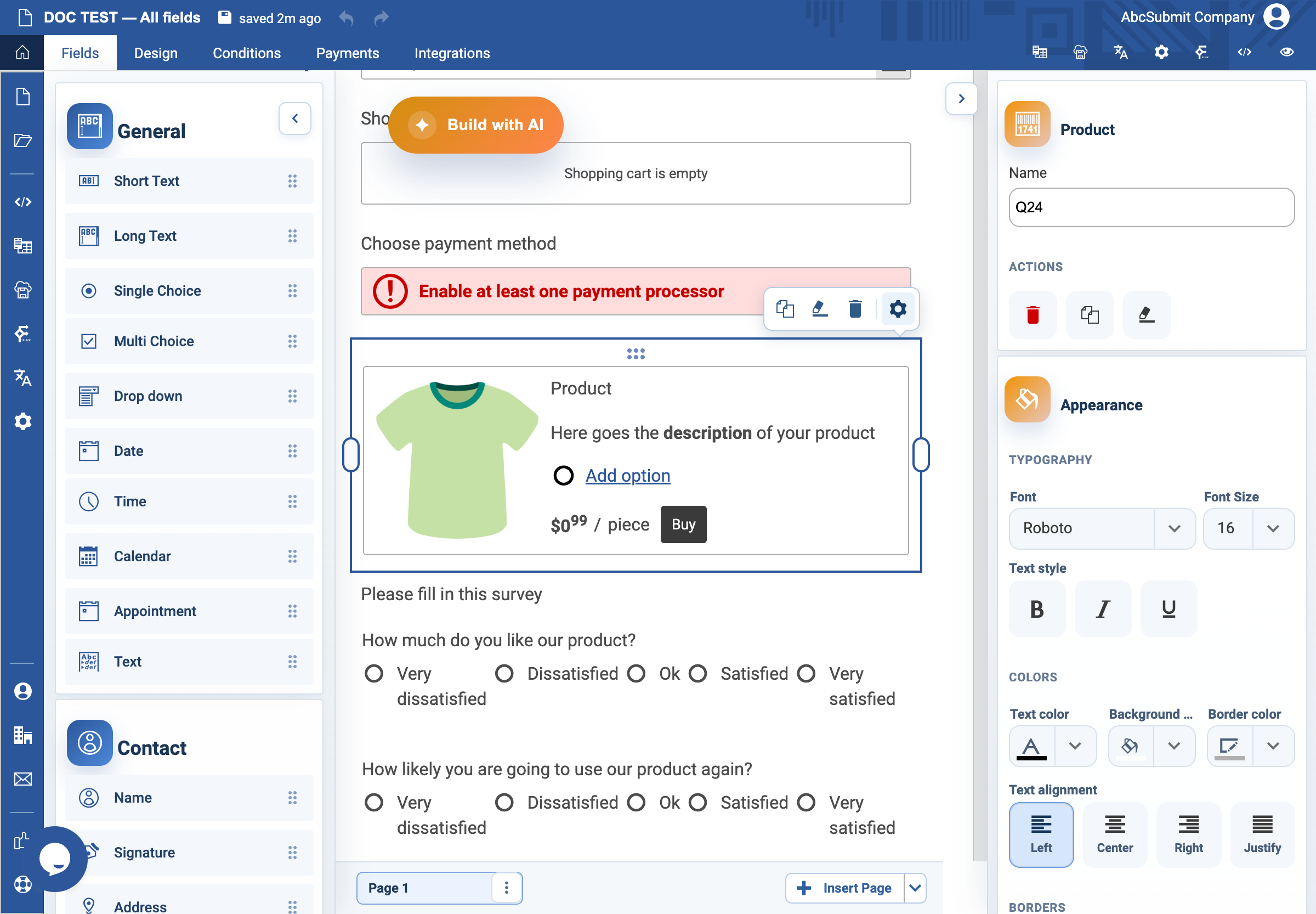
Use Product to offer a purchasable item and add it to the form shopping cart.
Example: sell an event seat
- Configure payment currency and a safe test gateway before testing the form.
- Select Fields > Other > Product.
- Set the product title, description, Price, and Unit name such as
seat. - Optional: add a product image and choose its Picture layout.
- Add Product choices only for genuine variants, such as a ticket category.
- Set clear Add to Cart button text and review button colors for contrast.
- Add a Shopping Cart and Payment Processor to the form. Preview the complete path using non-production payment data.
Expected result
The product is added with the correct price, quantity/choice information, currency, and description. Do not use a live payment path until cancellation, failure, receipt, and unpaid-submission behavior have been tested.