Appearance
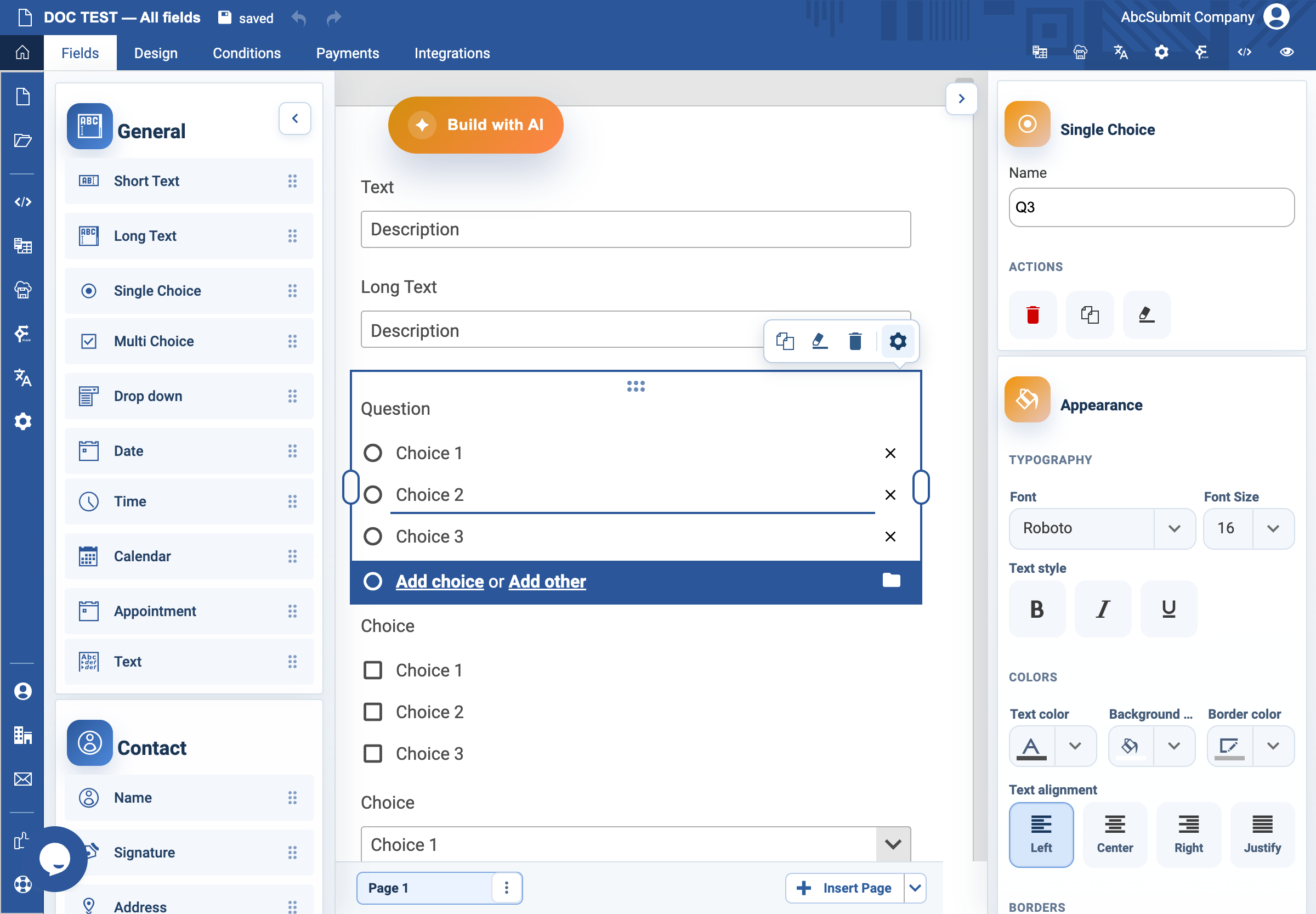
Single Choice field
Use Single Choice when the respondent must select exactly one answer.
Example: preferred contact method
- Open Fields > General and select Single Choice.
- Select the field and open Edit.
- Set the question label to
What is your preferred contact method?. - Set Name to
preferred_contact_method. - Edit the choices so they are
Email,Phone call, andText message. - Use Add Other only if a free-text response is genuinely useful.
- In the field-specific choice settings, select Single Column because these labels are longer than a few words.
- Keep the display type as Text; use Button only for a small set of very short answers.
- Turn on Required Field and set Custom error text to
Choose a preferred contact method. - Preview the form. Confirm that exactly one option can be selected and an empty submission is rejected.
Settings
| Control | What it changes |
|---|---|
| Label / Name | The respondent question and its internal reference. |
| Choices | One allowed answer per choice. |
| Other | Adds an editable response not listed among the fixed choices. |
| Single, Two, Three, Four Columns | Controls the arrangement of choices. |
| Text / Button | Displays normal choice controls or button-style choices. |
| Required Field | Requires one choice before submission. |
| Unique Value | Restricts a choice from being reused across submissions; this is rarely appropriate. |
| Custom error text | Explains what to select when validation fails. |
Importing standard choices
The choices editor includes a folder/open Import icon. It opens the v2 Import choices picker with reusable lists such as countries, continents, months, weekdays, currencies, satisfaction levels, probability levels, and US states. Select a list to preview it, then choose Save to replace the current choices or Cancel to leave them unchanged. Importing turns off Other and can adjust the column layout to fit the field width.
Expected result
The respondent can select Email, Phone call, or Text message—never more than one. The field is submitted as the chosen value and can be used in a condition or workflow through preferred_contact_method.